
Yes, you can use AI videos to promote TikTok Shop products. TikTok Shop permits AI-generated content, and TikTok even provides AI video tools for sellers. But the video still has to show the real product accurately, disclose AI when required, avoid fake results, and follow the seller's collaboration terms.
The short answer
AI is allowed. Misleading AI is not. Your safest strategy is to use AI to present a real product more efficiently—not to invent a different product, a fake customer experience, or results the item cannot deliver.
This distinction matters because “AI TikTok Shop videos” can mean several different things. One creator might use AI to animate genuine product photos. Another might build a virtual presenter. A third might generate a dramatic before-and-after that never happened.
Those formats do not carry the same risk.
This guide explains what TikTok currently allows, what can get an affiliate video rejected or removed, and how to build a safer workflow using Krafie Video Studio.
Are AI-Generated Videos Allowed on TikTok Shop?
Yes. TikTok Shop's official policy says AI-generated content is permitted when it complies with platform rules. TikTok also says enabling its AI-generated label does not, by itself, reduce distribution as long as the post follows the guidelines.
That does not mean every AI video is automatically acceptable. TikTok Shop requires the content to represent the promoted product accurately and prohibits deceptive effects, fabricated claims, unauthorized likenesses, and other misleading elements. You can read the full requirements in TikTok Shop's AI-Generated Content Restrictions.
TikTok also requires creators to turn on the commercial content disclosure when promoting a brand, product, or service. That disclosure is separate from the AI-generated label: one tells viewers the post is commercial, while the other identifies realistic or significantly AI-generated media.
Two layers of permission
TikTok may allow the format, while an individual seller or brand may still ban AI content in its affiliate brief. Check both the platform rules and the specific collaboration terms before publishing.
7 Rules for Selling TikTok Shop Products With AI Videos
1. Label realistic or significantly AI-generated content
If your video uses a realistic synthetic person, cloned voice, heavily altered scene, or other significant AI generation, use TikTok's AI-generated content label. TikTok's AI content guidance explains how creators can apply the label during posting.
Do not treat the label like an admission that something is wrong. It is a transparency tool. TikTok Shop explicitly says the label itself does not cause compliant content to be demoted.
2. Turn on the commercial content disclosure
An affiliate video is commercial content because you may earn a commission from the sale. Use TikTok's content disclosure setting and correctly identify the promotional relationship. TikTok explains the setting in its commercial content disclosure guide.
The AI label and commercial disclosure solve different problems, so a post may need both.
3. Make the AI product match the real listing
This is the most important practical rule. The product in your video should match what the shopper receives:
- same model and product type
- same color, shape, and visible features
- same bundle quantity and accessories
- same use case and realistic scale
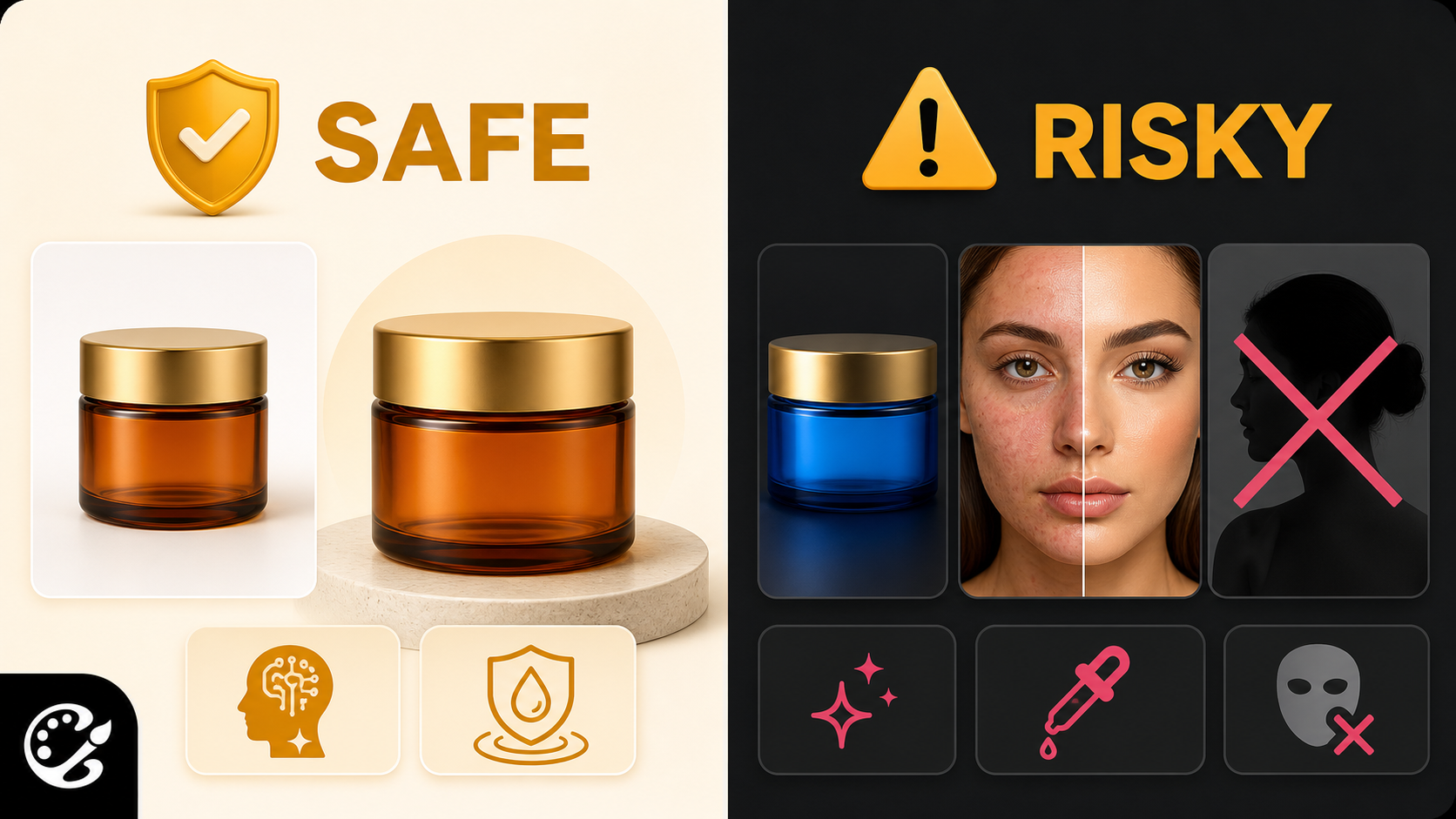
If the listing sells a blue jar, do not let the generator turn it into a gold bottle. If the package contains one item, do not show a four-piece bundle. TikTok Shop's misleading content guidance requires the video and product detail page to agree.
4. Do not fabricate results or before-and-after transformations
AI makes it easy to create flawless skin, instant weight loss, repaired hair, or an impossibly clean surface. That does not make those results true.
Avoid AI-generated “proof” unless it represents genuine, supportable results. This is especially important for beauty, health, wellness, and household products where the generated transformation can become an implied product claim.
A safer approach is to focus on verifiable features: the package, texture, components, bundle value, application method, size, color options, or an offer that is visible on the product page.
5. Do not invent a personal product experience
An AI avatar can explain a product, but it should not pretend to have personally used it if no real person did. Avoid lines such as “I've used this for three weeks” or “this cured my problem” when the statement is fictional.
Write from an accurate product-presenter perspective instead:
- “This set includes four full-size products.”
- “The adjustable strap is designed for different fits.”
- “The current listing shows a 30% discount.”
These claims can be checked against the listing and do not manufacture a testimonial.
6. Do not use someone else's face, voice, trademark, or content without permission
Do not clone a celebrity, creator, customer, or public figure to sell a product. Do not make it appear that a real person endorses an item when they do not. TikTok's Community Guidelines also prohibit harmful impersonation, IP violations, and misleading synthetic media.
Use original avatars, licensed assets, seller-provided product media, and content you have permission to transform.
7. Review every generated video before posting
AI output is not a finished ad until a human checks it. Before you post, compare every shot against the real listing and ask:
- Does the product still look correct?
- Did the model invent a feature or accessory?
- Is every price, discount, and quantity current?
- Are the AI and commercial disclosures enabled?
- Does the seller's affiliate brief permit this format?
- Could a reasonable shopper misunderstand what they will receive?
If the last answer is yes, revise the video.
What Types of AI TikTok Shop Videos Are Safest?
No format is automatically risk-free, but some are easier to keep accurate than others.
Animate approved product photos while preserving the packaging, proportions, and included items.
Use real product clips, then improve backgrounds, pacing, captions, or transitions without changing the item.
Let an original AI avatar present verifiable features without inventing personal use or endorsements.
Show the real bundle, price, discount, reviews, and urgency using information currently visible on TikTok Shop.
Short product videos often work because they are bottom-of-the-funnel content. The viewer may have already encountered the product and only needs a clear final reason to buy. Our step-by-step TikTok Shop affiliate guide explains product research, GMV Max, and the broader affiliate workflow.
AI TikTok Shop Formats That Carry More Risk
- Fake demonstrations: the product appears to perform something it cannot do.
- Invented testimonials: a synthetic person claims to have used the product.
- Generated before-and-after results: the transformation is not real evidence.
- Wrong product variants: AI changes the color, size, bundle, packaging, or components.
- Unauthorized impersonation: a recognizable person appears to endorse the offer.
- Copied creator content: another creator's footage, voice, or likeness is reproduced without permission.
- Outdated offers: the generated voiceover states a price or discount that is no longer live.
The fastest way to lose trust is to make the ad look better than the product shoppers actually receive.
How to Create a Safer AI TikTok Shop Video With Krafie
Krafie Video Studio gives you access to AI video models in one workspace, while the AI Image Generator can help prepare product references, backgrounds, and original avatars.
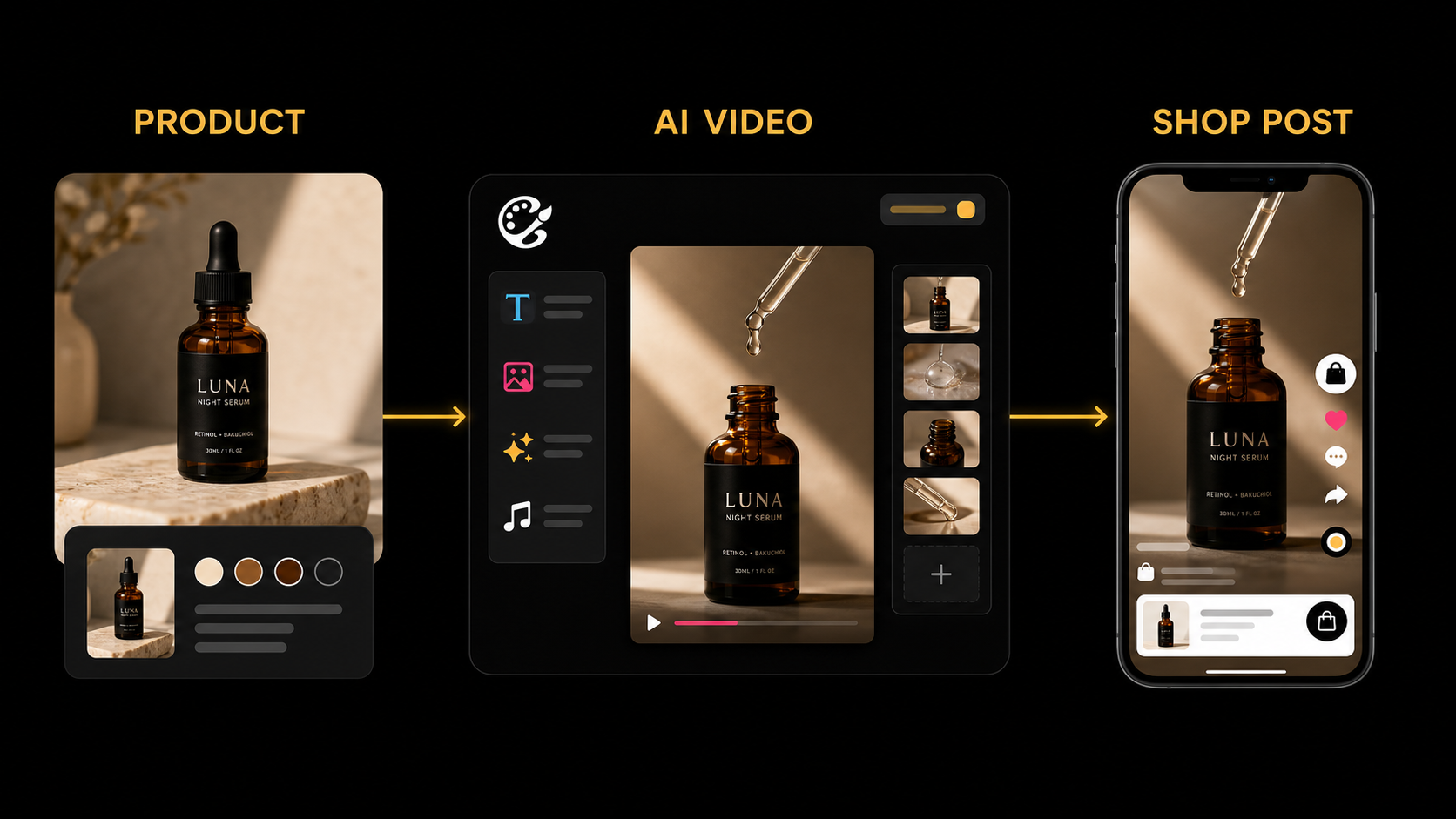
- Save the real product reference. Use seller-approved photos or media you are authorized to use.
- Write a fact sheet. Record the exact product name, color, quantity, features, current price, and claims shown on the listing.
- Choose a restrained format. Product-only animation or an accurate presenter is easier to review than a dramatic transformation.
- Generate a short vertical clip. Keep the prompt focused on camera movement, setting, and presentation while telling the model not to modify the product.
- Compare every frame with the listing. Reject outputs that alter packaging, proportions, color, accessories, or results.
- Add native TikTok elements. Finish text, music, product links, AI labeling, and commercial disclosure during posting.
- Publish manually and monitor feedback. Watch comments, returns, policy notifications, and conversion data before scaling the format.
A useful prompt guardrail
“Preserve the exact product design, packaging, logo placement, color, proportions, quantity, and visible features from the reference image. Do not add accessories, change claims, or generate before-and-after results.”
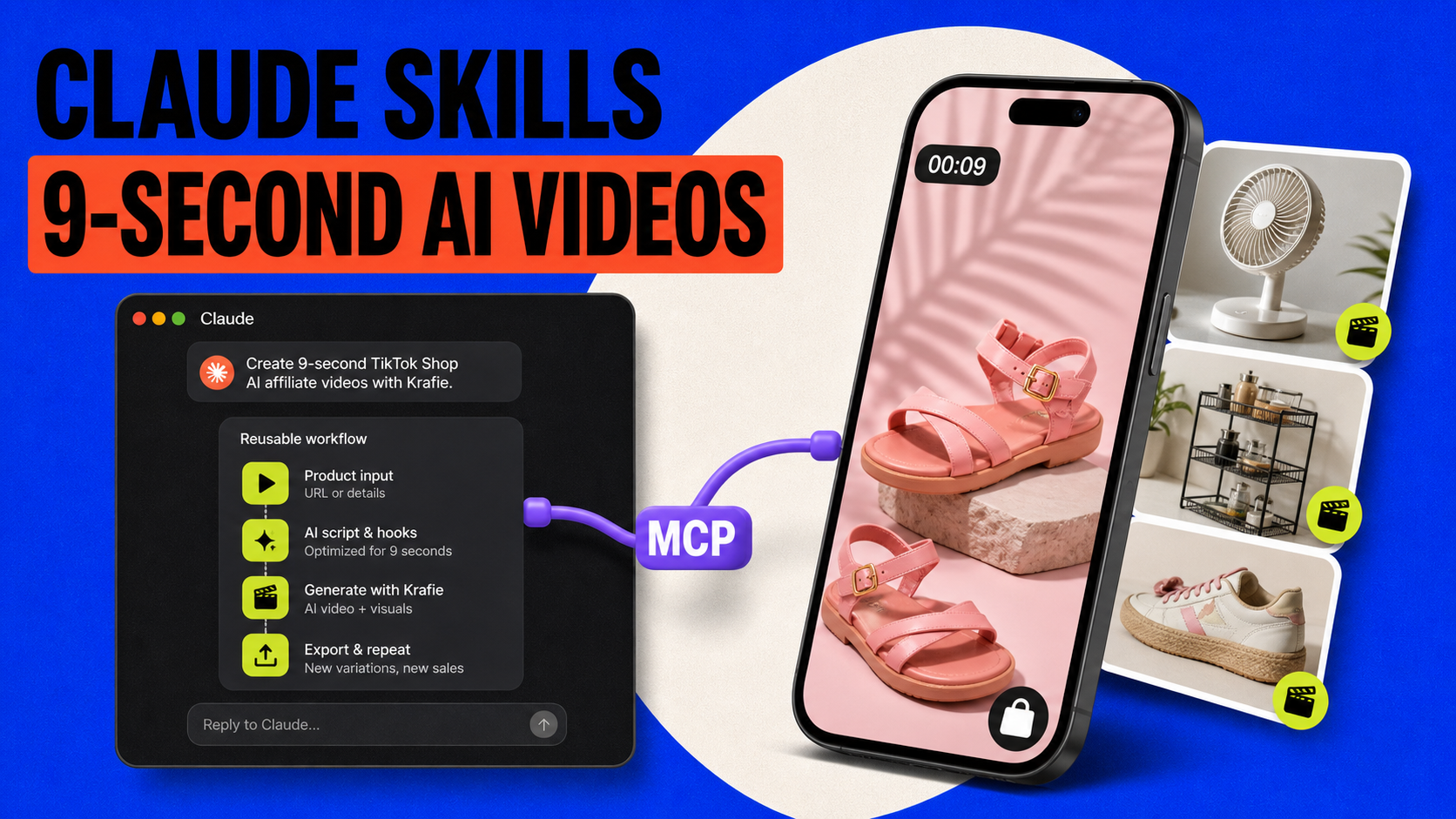
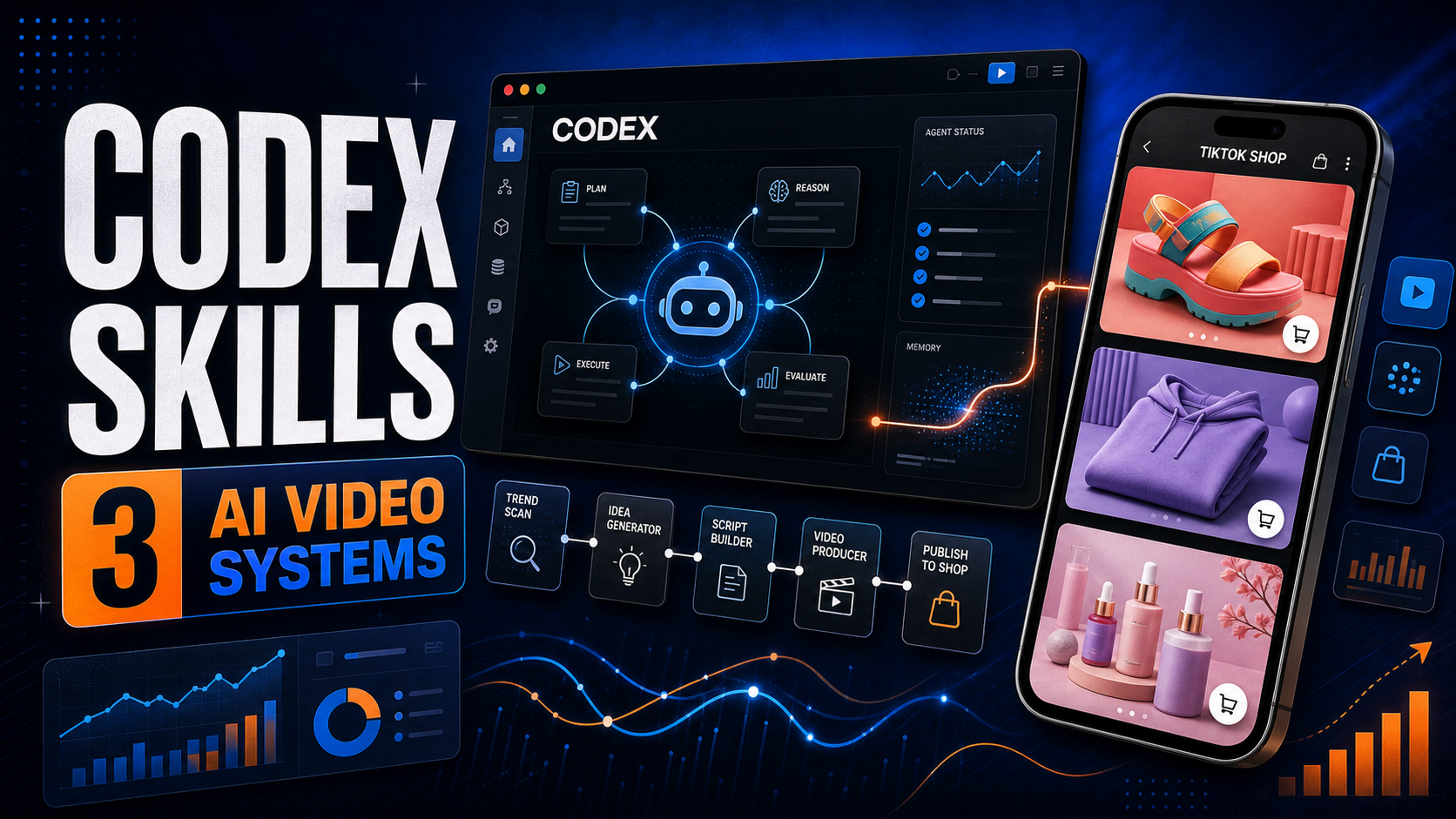
If you want to turn winning formats into reusable systems, see how to make 9-second TikTok Shop videos with Claude Skills or build reusable TikTok Shop video workflows with Codex Skills. Krafie's MCP connection lets supported AI agents call Krafie tools as part of those workflows.
Do You Need to Own the Product?
Not every affiliate arrangement requires you to hold the product, but having the product is the easiest way to create accurate demonstrations and original proof.
If you do not have it in hand, limit the content to facts and visuals the seller has approved. Do not simulate personal use, durability tests, measurements, or results you have not verified. Ask the seller for clean product photos, approved claims, and current offer details.
AI can reduce production time, but it cannot replace evidence.
Will TikTok Suppress a Video Because It Has an AI Label?
TikTok Shop's published guidance says turning on the AI-generated label does not affect distribution by itself, provided the content follows the rules. A weak or misleading video can still perform poorly or face enforcement, but hiding required disclosure is not a smart growth tactic.
The more useful question is whether the video is accurate, watchable, and persuasive. In our 30-day AI shoppable video test, the first two weeks were quiet before individual products began generating orders. AI did not remove the need for product testing and iteration.
FAQ
Can you use AI videos for TikTok Shop Affiliate?
Yes. Affiliates can use AI-generated videos if the content complies with TikTok Shop policy, accurately represents the product, uses required disclosures, and follows the seller's individual collaboration terms.
Do AI TikTok Shop videos need a label?
Realistic or significantly AI-generated content should use TikTok's AI-generated label. Affiliate promotions should also use the commercial content disclosure setting.
Can I use an AI avatar to promote TikTok Shop products?
Yes, provided the avatar is not an unauthorized impersonation and does not deliver false testimonials or misleading claims. The promoted product must remain accurate.
Can I make AI affiliate videos without buying the product?
It may be possible when the seller permits it and supplies usable media, but you should not invent demonstrations or personal experiences. Product ownership makes accurate, original content easier.
Can a TikTok Shop seller ban AI affiliate videos?
Yes. A seller or brand can set stricter creative requirements than TikTok's general platform policy. Always check the affiliate brief before creating content.
Does TikTok reduce reach when you label AI content?
TikTok Shop says the AI-generated label itself does not affect distribution when the content complies with its guidelines.
Start Creating Without Guessing
AI videos are not a loophole around TikTok Shop rules. They are a production method. Use them to create faster while keeping the product, offer, and customer expectation honest.
Inside Krafie Video Studio, you can generate vertical product clips, reuse references, organize outputs, and build repeatable AI video workflows without stitching together a pile of separate tools.
Create an AI product video with Krafie
Related Krafie Guides
Continue with one of these focused tutorials: