

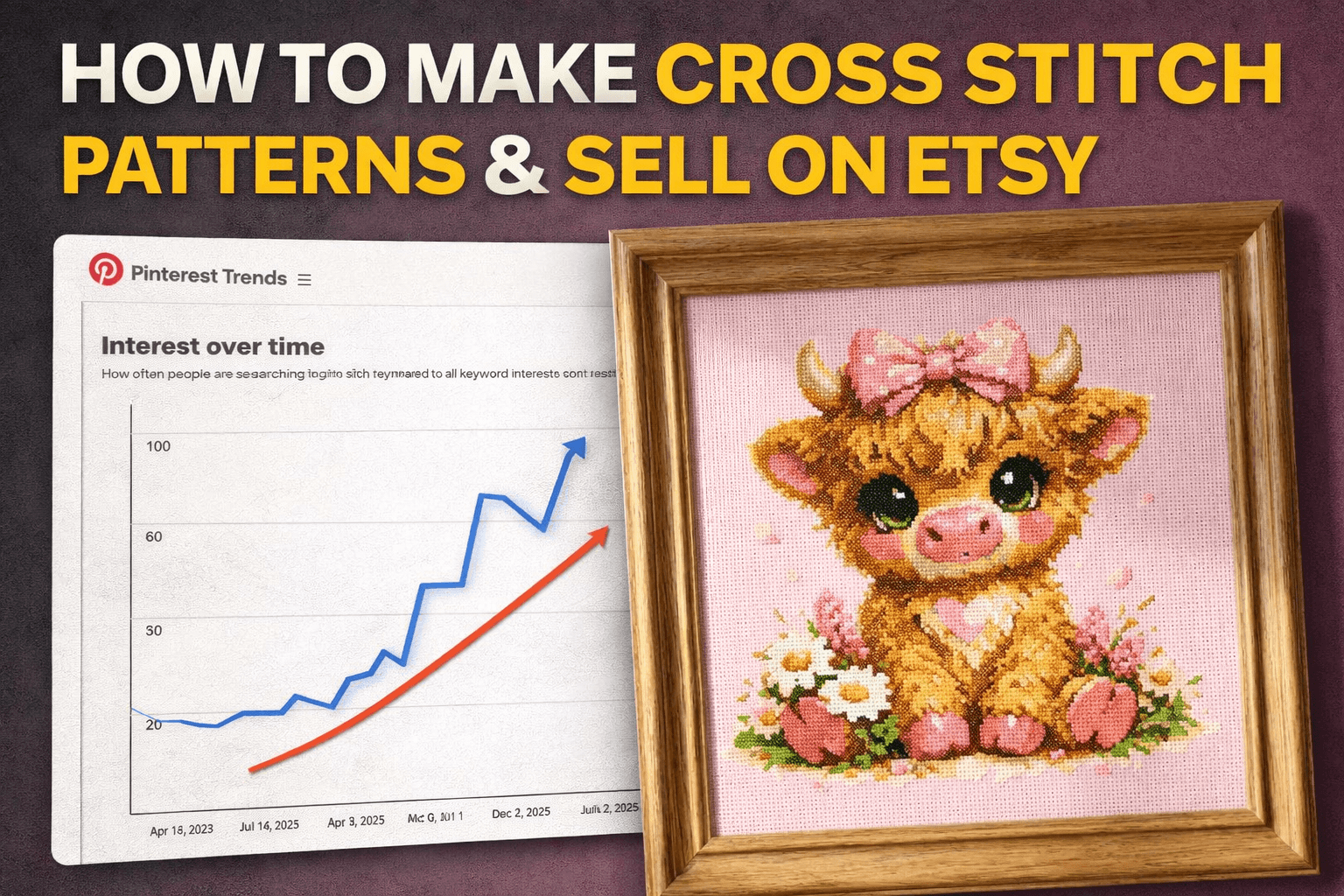
If you’ve been sleeping on cross stitch patterns… wake up.
I found an Etsy shop that went from basically nothing to 1,200 sales in about two months and that doesn’t happen often, even for digital products.
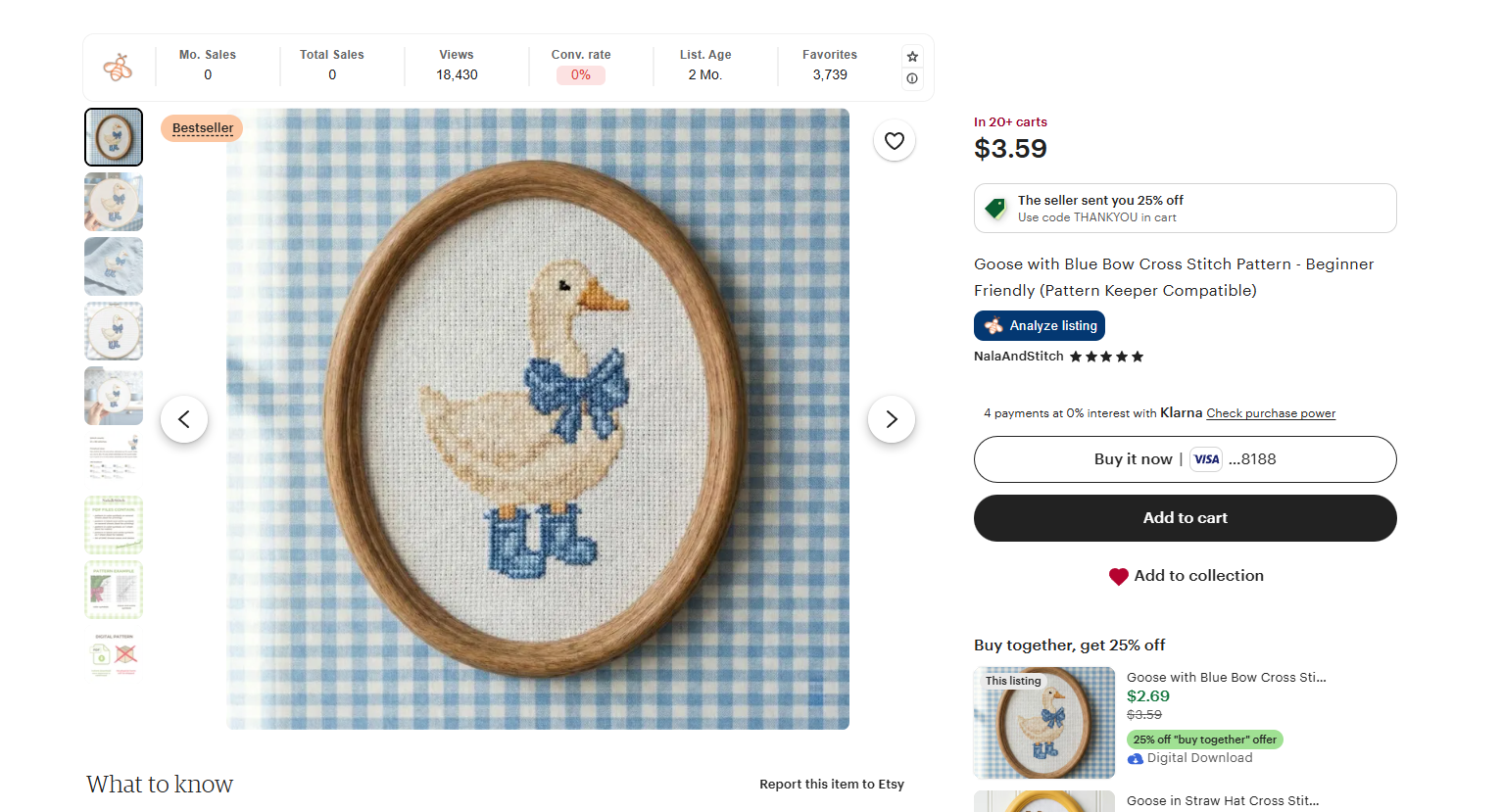
Their estimated monthly revenue was around $4,590/month (and realistically it could be higher), with listings showing “add to carts,” purchases in the last 24 hours, bestsellers, and insane favorites (one bestseller had 3,700+ favorites in the first two months).
And the funniest part?
They’re selling a PDF. Literally a PDF that tells you how to stitch the design. That’s the product.
Why Cross Stitch Is Popping Off Right Now
Two big reasons:
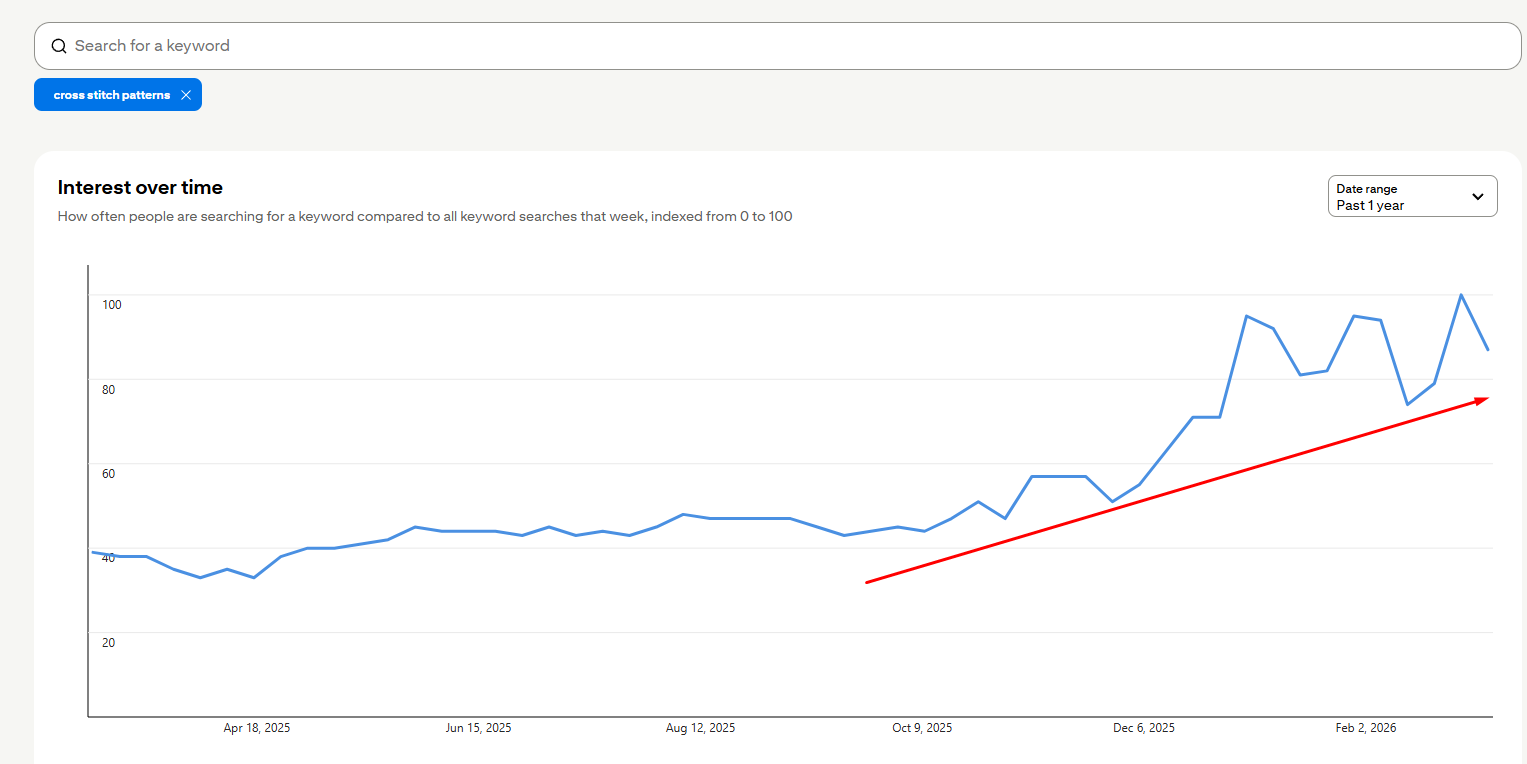
- The trend is rising on Pinterest. The data shows a big uptrend in “cross-stitch patterns,” and Pinterest + Etsy often move together (what’s hot on Pinterest usually gets reflected on Etsy).
- The competition is still low. Not many people know how to create these properly yet, and there aren’t many simple “all-in-one” workflows.
Also, a lot of what’s winning is super specific and cute: animals (especially geese/ducks), Highland cows, Easter bunnies, floral themes, and cozy aesthetics.
What You’re Actually Selling (This Is the Key)
You’re not selling “art.” You’re selling a cross stitch pattern PDF.
When buyers open the PDF:
- They see the finished design preview
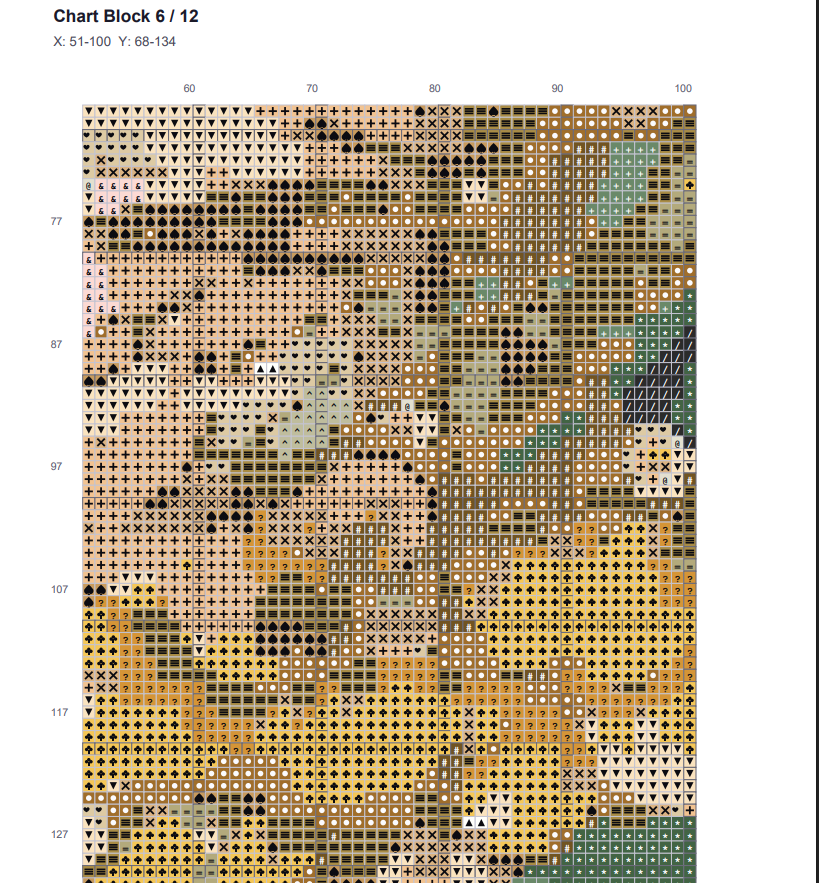
- Then they scroll and see the grid/pattern they stitch from
- They also see the color counts, stitch counts, and the shopping list of what they need
That pattern section is why people buy. The PDF is your product.
The 3-Step AI Workflow to Make Cross Stitch Patterns
There are a couple steps to creating these:
- Come up with an idea
- Create an image with AI
- Convert the image into a cross stitch pattern
And yes, mockups help a lot too, because buyers want to visualize how it will look stitched and framed.
How to Make Them With AI + Krafie.com
I recommend using an all-in-one workflow so you’re not bouncing between 7 different tools.
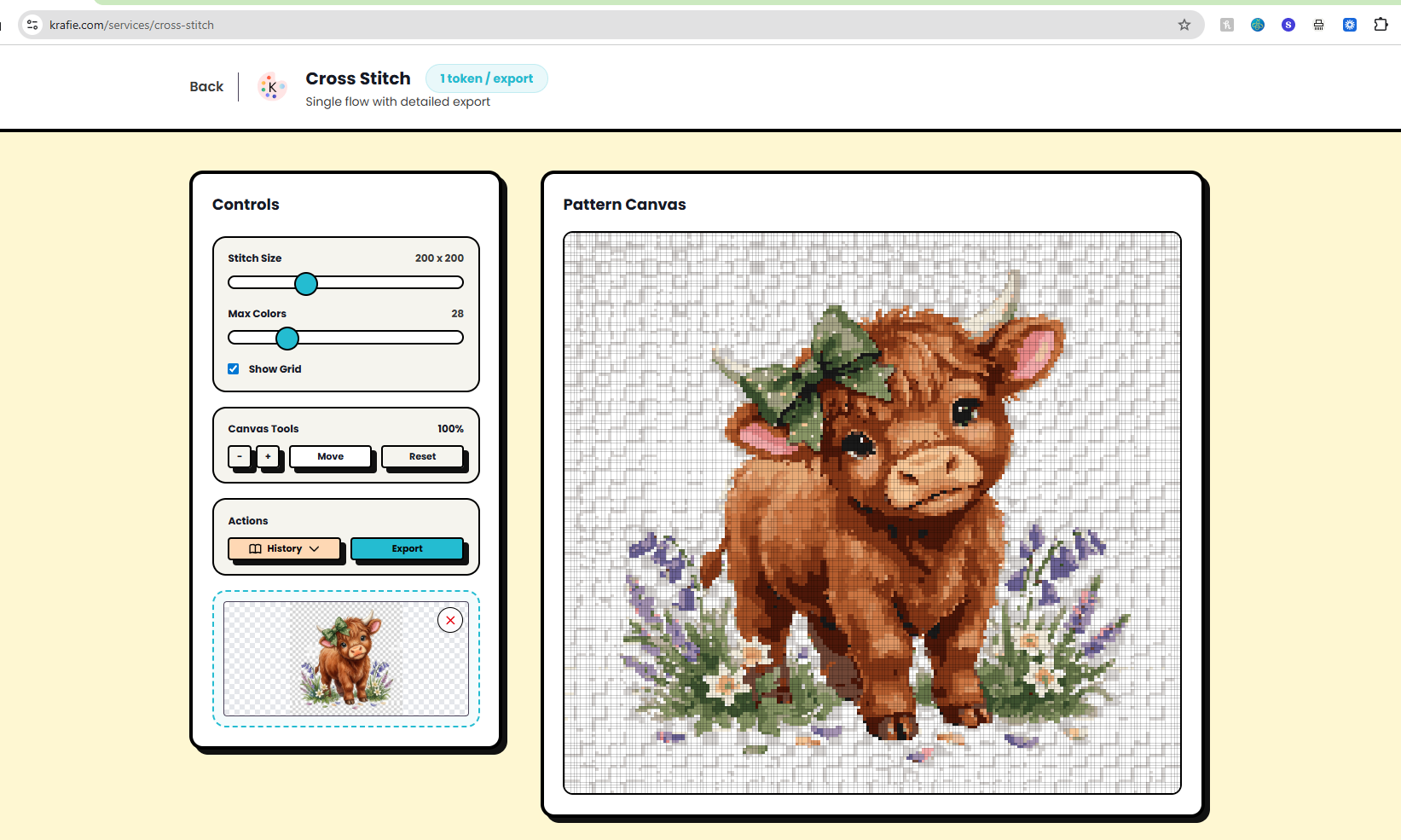
Krafie.com brings this creative workflow into one studio: image generation → cross stitch converter → mockups → listing preparation. One subscription and saved history help you create digital products and prepare files for your chosen shop.
Image idea rules that are working right now:
- Cute animals (goose/duck, cows, bunnies)
- Big “coquette bow” vibes
- Soft florals
- Seasonal variants (Easter, spring)
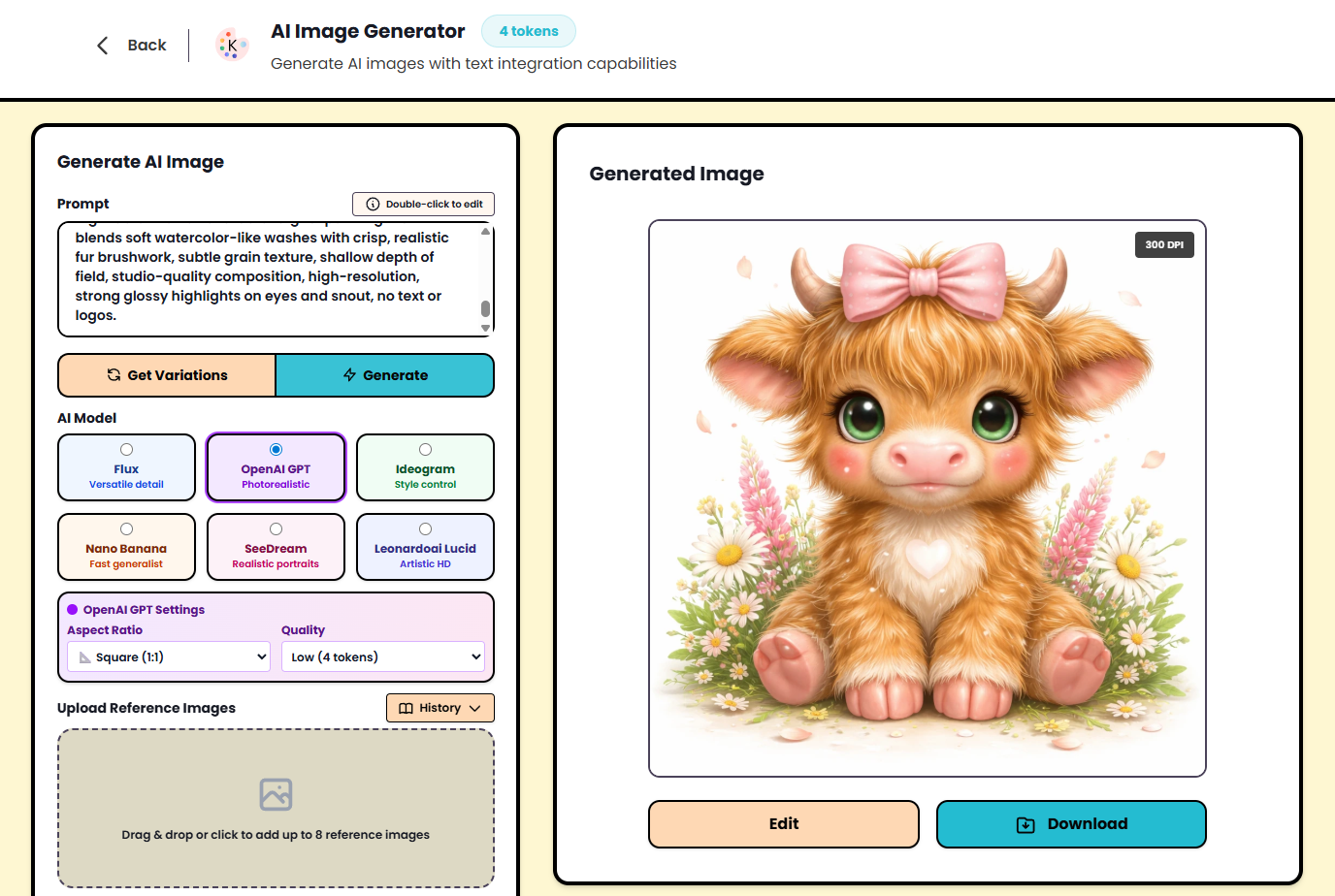
Step 1: Generate the Artwork (AI)
Start by generating a cute “pattern-ready” image. In the video transcript, the approach was:
- Find a proven theme (ex: floral Highland cow)
- Generate variations
- Pick the cutest version (big eyes + bow + heart details tend to do well)
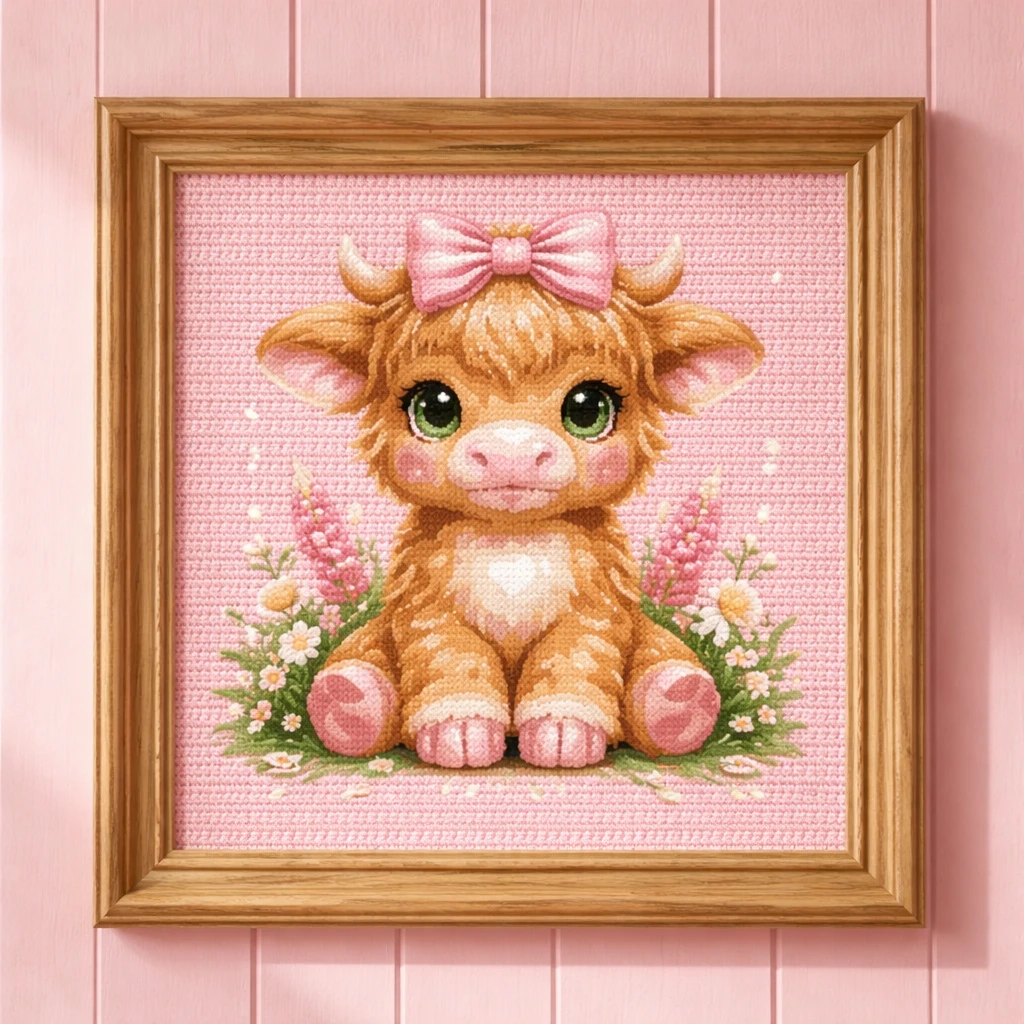
Example of what’s working visually (use your own images in your blog post):
Step 2: Convert to a Cross Stitch Pattern
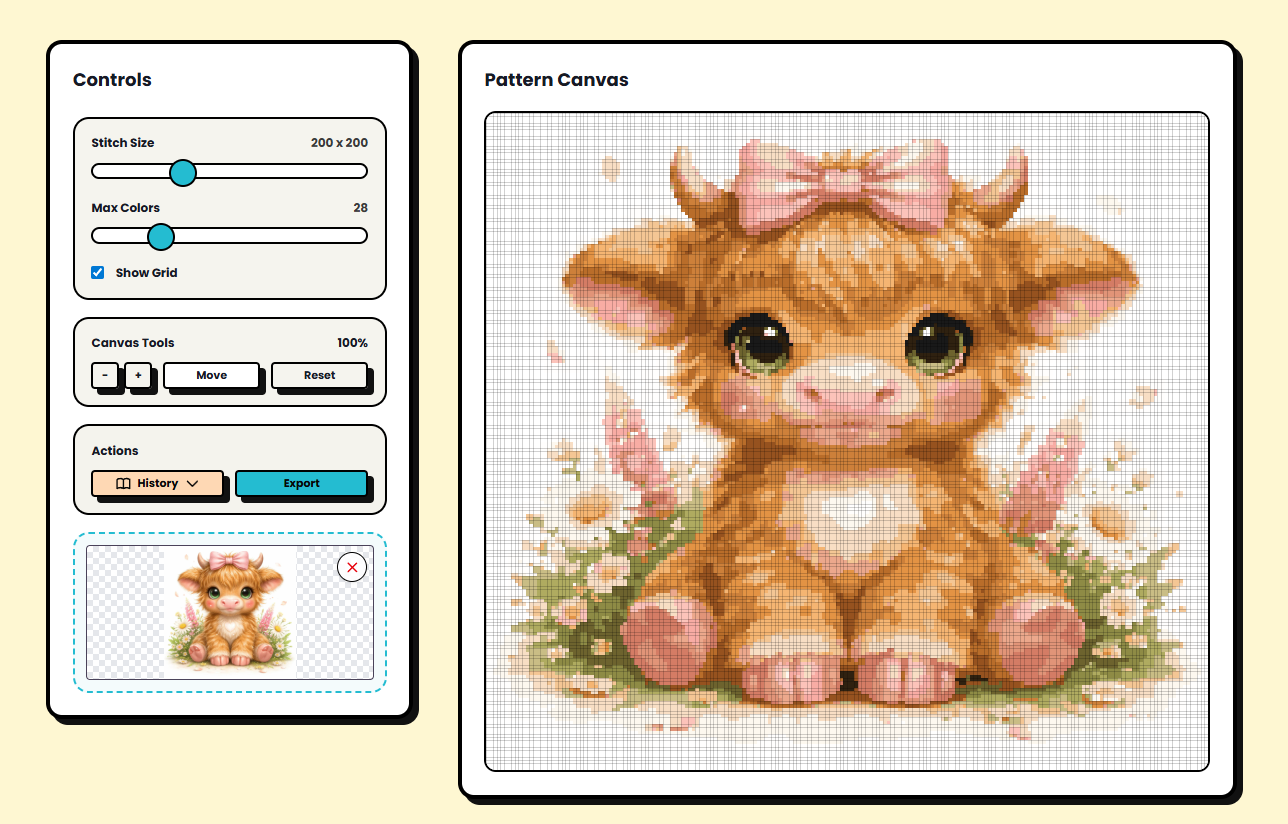
This is where the magic happens. You upload your final image into the cross stitch converter and it outputs the pattern.
Two settings matter most:
- Stitch size (grid)
- Max colors
More stitches and more colors usually looks better… but nobody wants a 465×465 mega-project with 80 thread colors. You have to be reasonable.
A practical default that was recommended:
- 200 × 200 stitches
- ~22 colors
That hits the sweet spot: good quality, but still realistic for actual stitchers.
Step 3: Export the Files (PDF + PNG)
Export two things:
- PDF (this is what you sell on Etsy)
- PNG (you use this for mockups and listing images)
The PDF is the product. It contains the pattern grids and the color/stitch breakdown that stitchers need.
Mockups: The Reason People Click
Most cross stitch listings that sell well have really strong visuals.
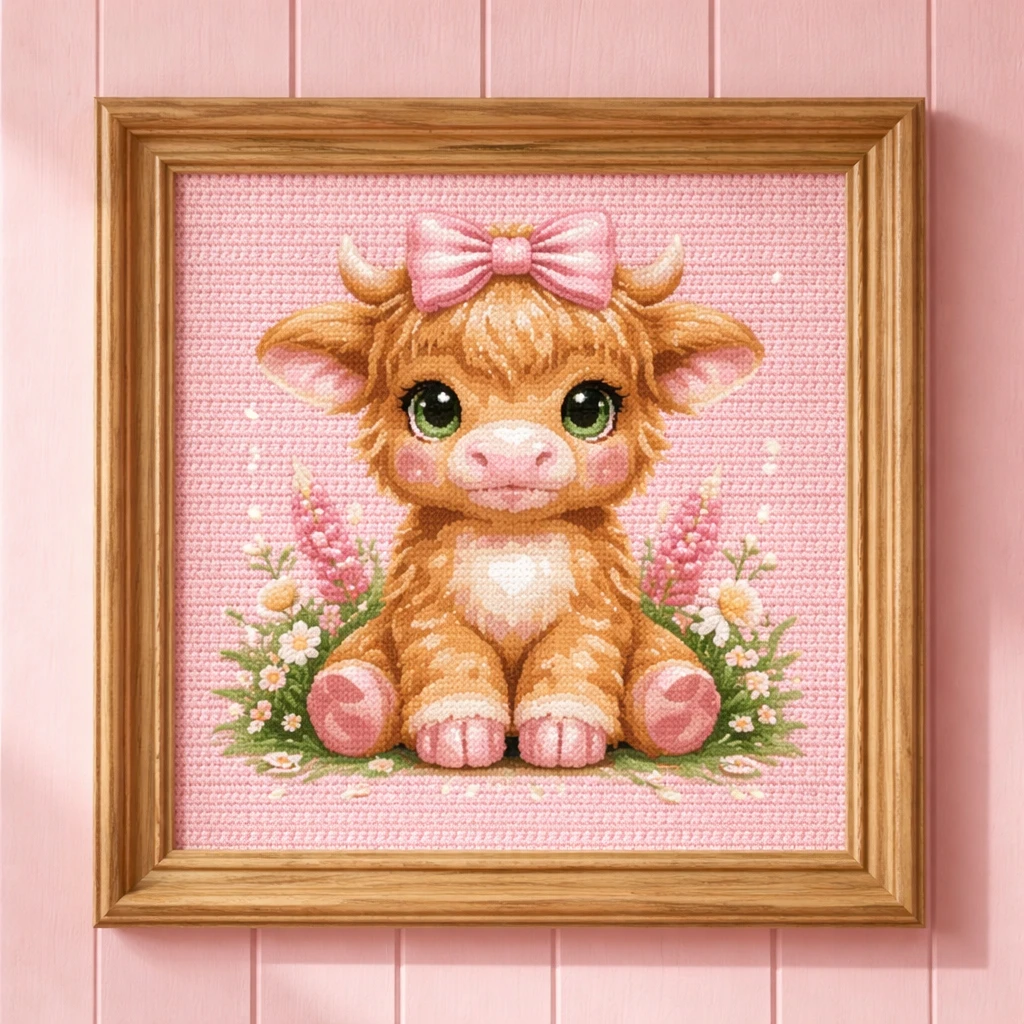
They don’t just show the pattern. They show the finished look inside a frame, on a wall, in a cozy room. That’s what makes someone say: “I want to stitch that.”
Use your exported PNG to create mockups (frame, hoop, wall). The transcript workflow was literally: take a frame reference image + your PNG and generate a new mockup.
SEO: Title + Tags That Actually Rank
Don’t overcomplicate this. Your main keyword is almost always:
“cross stitch pattern”
Then add modifiers based on the design:
- animal type (goose, cow, duck, bunny)
- style (cute, coquette bow, floral, nursery)
- format (PDF, pattern keeper compatible, instant download)
Example title structure:
“Pink Highland Cow Cross Stitch Pattern PDF, Cute Cow Embroidery Chart, Nursery Decor, Instant Download”
That exact approach (generate title + tags from the design) was shown in the workflow.
Pricing: Keep It Simple
Most cross stitch PDFs sell in the $3–$5 range. The whole business is volume + consistency.
The upside is you can build a library fast. Once you have 50–150 patterns, the shop can compound.
The Fast “Make 20 Listings” Plan
- Pick 3 proven themes (goose bow, cow bow, bunny floral)
- Generate 10 images per theme (keep them consistent)
- Convert each into a pattern PDF (200×200, ~22 colors)
- Create 3 mockups per pattern (frame/hoop/wall)
- List at $3.99–$4.89 and let Etsy do its thing
This niche is growing fast and the competition is still low — which means you have leverage right now.
Want the All-in-One Setup?
If you want to run the same workflow (AI generation → pattern conversion → mockups → SEO) without paying for a bunch of separate tools, build it inside Krafie.com.
Krafie brings these creation and preparation steps into one AI studio, with saved history so you can return to your designs and prepare new product variations.
Now go list your first pattern. The only real difference between you and the shop doing 1,200 sales is volume + consistency.