

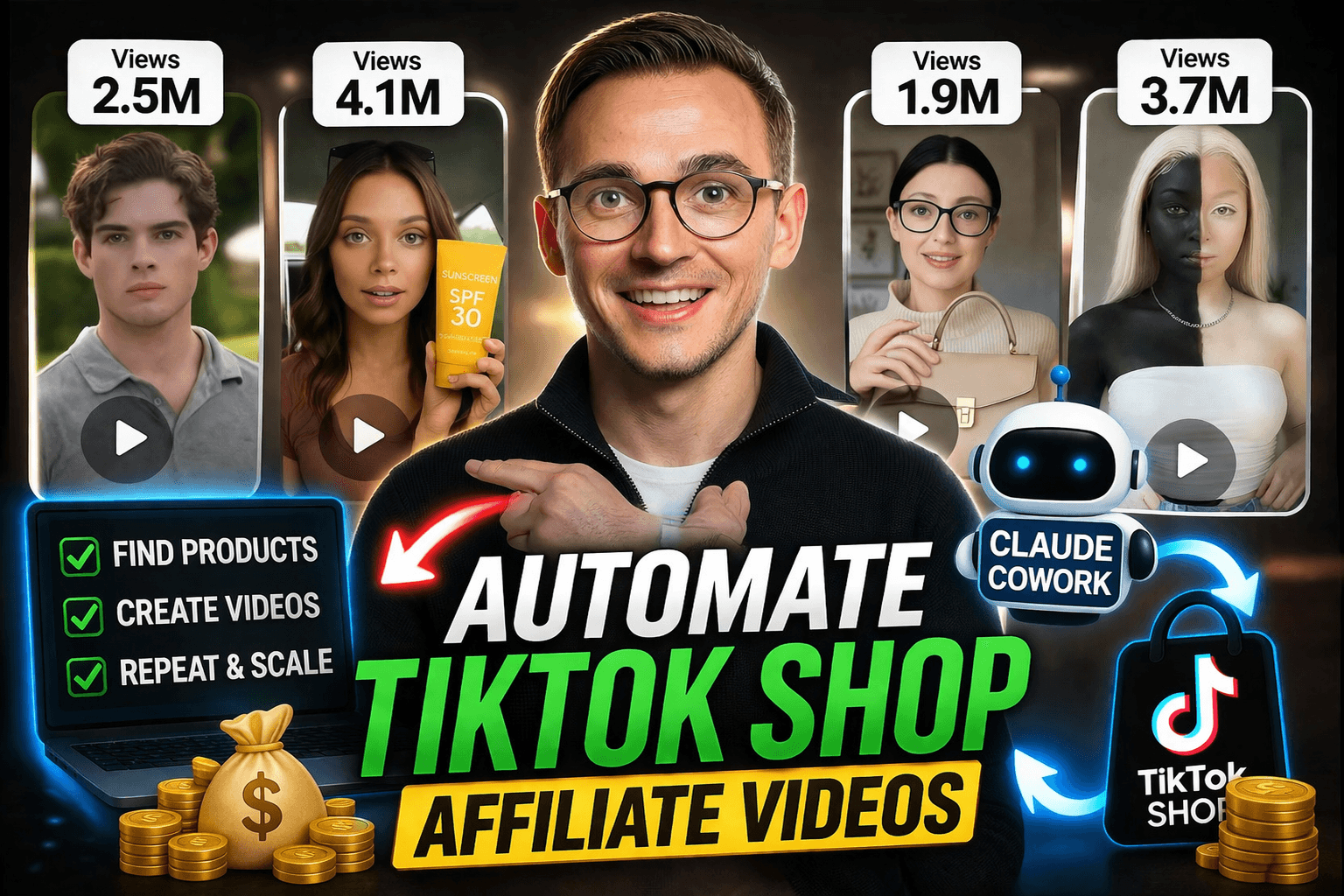
How to Automate TikTok Shop Affiliate AI Videos With Claude Cowork
If you want to make TikTok Shop affiliate videos without showing your face, without holding the product, and without manually creating every video yourself, this is where things start getting interesting.
Because now you can automate a big chunk of the process with Claude Cowork.
In this workflow, Claude can help with:
- researching products
- finding low-competition opportunities
- building video prompts
- generating faceless AI videos
- repeating the process multiple times
And if you combine that with a platform like Krafie, you can turn the most time-consuming parts of TikTok Shop affiliate content into a repeatable system.
Why This Matters
AI TikTok Shop affiliate content is already making real money.
Examples shown in the video included accounts doing things like:
- about $234,000 in sales in the last 30 days
- about $67,000 in sales in the last 30 days
- about $18,000 and $26,000 in other cases
And the crazy part is that the videos themselves are often extremely simple. They are not cinematic masterpieces. They are short, direct, and designed to close a sale.

These Are Bottom-of-the-Funnel Videos
The key concept behind this whole system is that these are bottom-of-the-funnel videos.
That means they are not trying to introduce a totally new product to a cold audience. They are trying to close the deal.
In simple terms:
- Top of funnel: broad awareness
- Middle of funnel: feature explanation
- Bottom of funnel: reminder + conversion
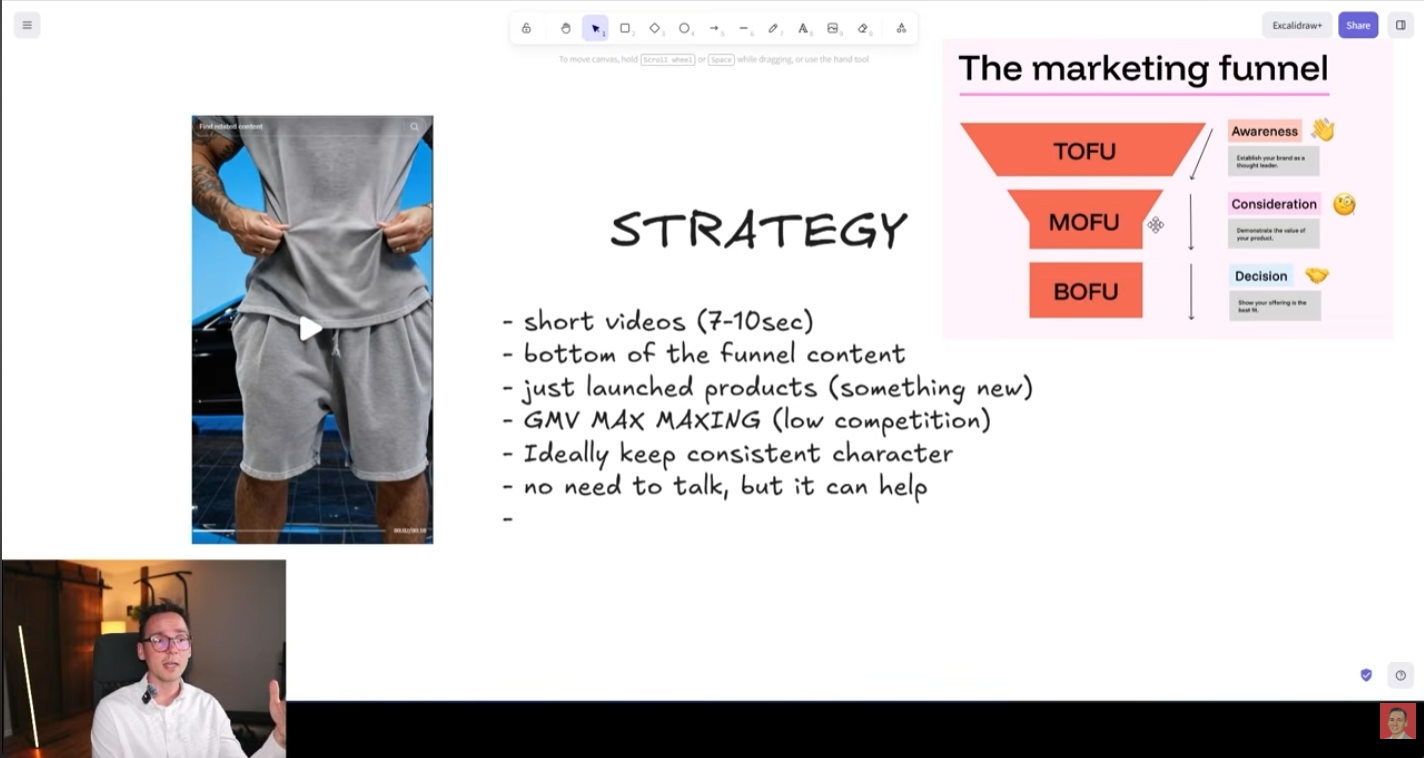
So your video does not need to say everything. It does not need to be complicated. It just needs to remind the right person that the product is there and worth buying.
That is why these short AI videos work. Their only real job is to push someone from “maybe” to “buy.”
What This Workflow Automates
The automation shown in the video focuses on the two most time-consuming parts:
- Find a product
- Create a video
Then the obvious third step is:
- Repeat the process
That is the real opportunity here. Not making one video. Making a system that can produce many of them.

One thing the video specifically points out: yes, you can automate posting too, but it is not recommended. Posting through desktop, API, or obvious automation methods can reduce performance. The better move is to let Claude handle the research and video creation, then post the final clips yourself from your phone.
Use a Separate Computer for AI Agents
This is one of the most important practical tips in the whole workflow.
Claude Cowork is an AI agent. That means it can access your computer environment, browser, and files while working. Because of that, it is much safer to run it on a clean, separate machine rather than your main laptop full of personal files, photos, passwords, and random history.

You do not need some expensive setup either. A cheap dedicated computer is enough. The point is not power. The point is isolation and safety.
Step 1: Build an AI Model to Use in Your Videos
Before Claude can automate the videos, you need a model or avatar to work with.
The workflow shown in the video uses Nano Banana Pro inside Krafie to generate a custom AI model with distinctive facial features. The idea is to create someone visually memorable, but not directly copy a real person.
The rough process is:
- Find a face with interesting features as inspiration
- Upload it into the AI image generator
- Prompt the model to create a new, original person inspired by those features
- Save that image as an avatar inside the video studio

In the example, the avatar was named Summer, with traits like age, gender, ethnicity, and other descriptive details stored so future video models could reference them consistently. This is what makes the workflow reusable instead of random every time.
Step 2: Set Up Claude Cowork Correctly
To run the automation, you need three things:
- a Claude subscription
- the Claude desktop app
- the Claude Chrome extension
The video explains that the entry-level paid plan is enough to test things, but if you are serious about long-term automation, the higher-usage Claude plans make more sense. The cheap plan is fine for testing. The bigger plans are more practical if you want to run a meaningful number of workflows.

Once Claude is installed, you switch from regular chat mode into Cowork mode. That is what allows Claude to operate with your browser and interact with the web apps in your workflow.
Step 3: Product Research With Low Competition
The product research part uses a tool called Kalodata.
The logic is simple:
- look for products that launched recently
- focus on categories that are easy to recreate with AI
- choose products with clean product photos
- avoid high-competition items where too many affiliates are already promoting the same thing

In the example, the workflow focused on women’s wear, because that category is highly visual and often performs well in TikTok Shop affiliate content.
The reason to target products that just launched is important: when a product is newer, there are fewer creators fighting over it. That means you have a better chance of getting the seller’s ad budget allocated to your video through TikTok’s GMV Max system.
That is the hidden game here. You are not just looking for “a good product.” You are looking for a product with room for you to slip in and become one of the creators TikTok pushes.
How GMV Max Fits Into This
GMV Max is a major reason this strategy works.
In plain English, sellers give TikTok a budget to push content that sells their products. TikTok then decides which creator videos deserve that ad spend.
So if you:
- pick a newer product
- face less competition
- make a video that looks like it can close sales
…you have a stronger chance of catching some of that spend.
That is why this is a bottom-of-the-funnel game. You are not trying to be the most original. You are trying to be the most useful final touch before the sale.
Step 4: Generate the Video Inside Krafie
Once Claude picks the product, the next step is generating the video.
This is where Krafie becomes the production layer.
The workflow in the video used Krafie to:
- open the video studio
- select the right model
- set the video to portrait mode
- disable generated audio
- upload the AI avatar
- use the product image as the reference
- build a JSON-style multi-angle prompt for the final video
The goal was to make a short, high-quality fashion video where the AI model shows off the outfit from multiple angles in a way that feels like a proper TikTok Shop affiliate video.

And it worked.
The final example shown was a simple but usable fashion video of the generated model moving in the outfit and showing it from different angles — exactly the kind of clip that can function as bottom-of-the-funnel content.
Why This Is Better Than Doing It All Manually
Because the boring parts add up fast.
If you are doing this yourself every day, you have to:
- research products
- decide what is worth testing
- set up the avatar and scene
- write the prompts
- generate the video
- repeat again and again
Claude reduces the amount of manual clicking and thinking required. It does not replace your judgment, but it takes a lot of repetitive work off your plate.
It Still Makes Mistakes
This part matters too: the workflow is powerful, but it is not flawless.
In the live demo, Claude struggled with a few things:
- clicking the correct launch-date filter initially
- grabbing the right product image URL
- recognizing some successful steps without being told
But the point of the test was that once you correct those mistakes, Claude starts learning the pattern. The more you refine the workflow, the more stable the process becomes.
So no, this is not perfect automation from day one. It is closer to trainable automation.
The Big Warning: Video Automation Is Expensive
This is the part people need to hear.
Compared to AI image generation, AI video generation is expensive.
Even if you are using one of the cheaper platforms per video, it still adds up. Then you layer on Claude subscription costs, maybe extra Claude usage, maybe a separate computer, and suddenly this is no longer some “free side hustle hack.”
It can absolutely still make sense financially, but only if you think about it like a business and manage costs properly.
The video specifically points out:
- cheap Claude plans run out fast
- extra usage can be enabled, but needs a cap
- video generation itself is one of the main cost centers
So if you automate this aggressively without watching usage, you can burn money fast.
What I’d Actually Automate
If I were using this in a real long-term system, I would automate:
- finding products
- creating the video prompts
- building the videos
- repeating the workflow across multiple product opportunities
But I would still keep posting manual.
That is the best balance:
- AI handles the time-consuming production work
- you keep the part that affects platform distribution most
That way you get speed without tanking your reach.
Why Krafie Makes This Easier
The reason this workflow makes sense inside Krafie is because it is not just a random AI video tool.
Krafie is an AI creative studio for digital products and content. It brings image generation, video creation, editing, product research, and saved assets into one workspace so you can prepare content for your chosen sales channels.
That matters a lot for agent workflows, because every extra tool usually means more friction and more chances for the automation to break.
Final Thoughts
So, can you automate TikTok Shop affiliate video creation with Claude and AI?
Yes.
Can you fully automate everything, including posting, with no downside?
Not if you care about results.
The smartest version of this is:
- Build a distinctive AI model
- Use Claude Cowork to research low-competition products
- Generate the videos automatically inside Krafie
- Post the best ones manually from your phone
- Repeat the process at scale
That gives you the upside of automation without sabotaging the part TikTok still rewards most: native-feeling posting behavior.
And if you want to build that workflow in one place, Krafie is the platform the tutorial uses for the video generation and avatar side of the system.
Bottom line: let AI do the busy work, but keep your human judgment where it matters.